The operating system for kitchen exhaust cleaning.
Sales, dispatch, the field app, NFPA 96 certificates, your customers’ portal and your books, in one system. Built alongside a working hood cleaning company and launched at the IKECA Fall Technical Seminar.
The test drive is a sample company your whole team can click through. Nothing to install.
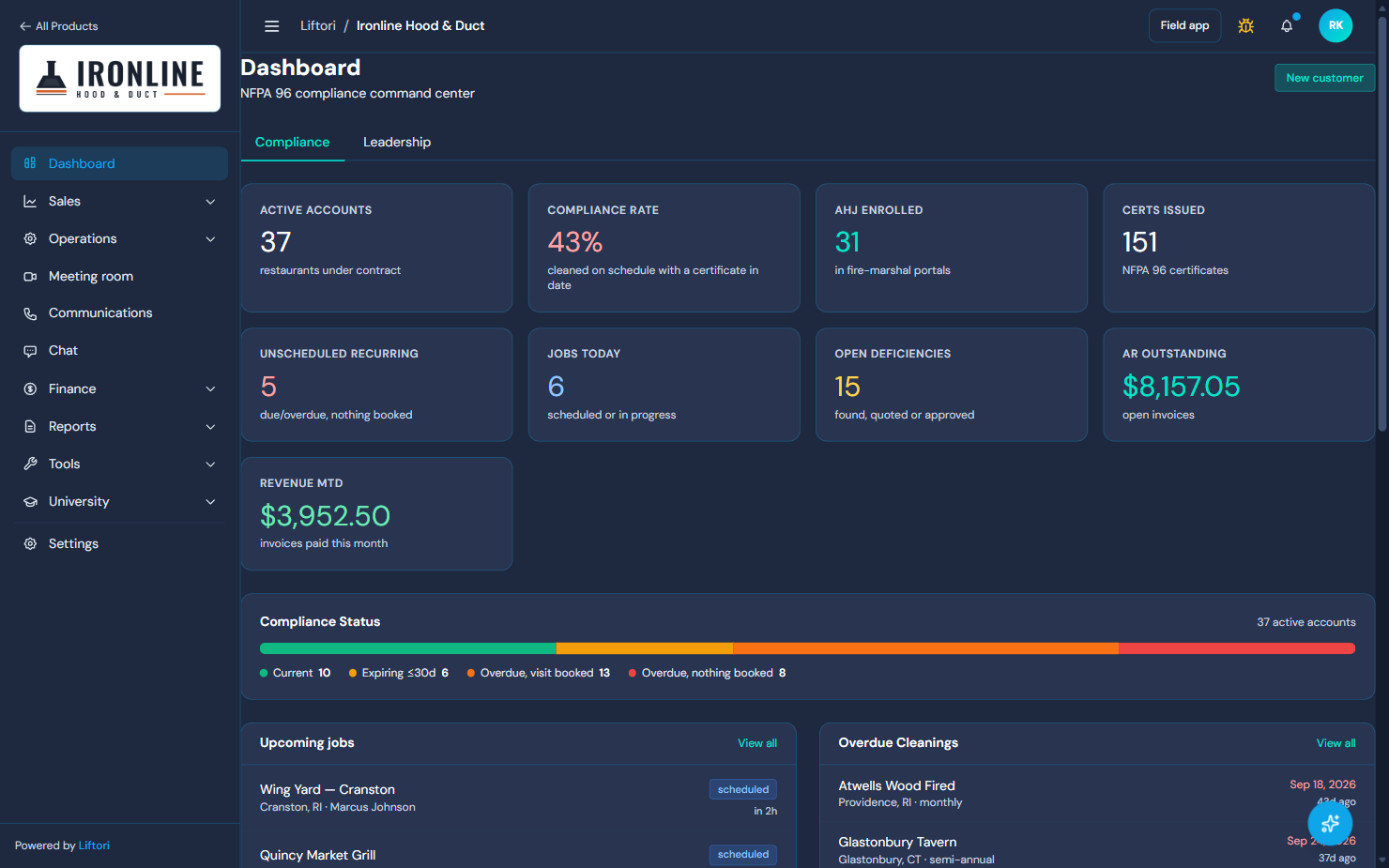 Every account by compliance status
Due, nothing booked
Every account by compliance status
Due, nothing booked
The real product, not a mockup.
Every screen on this page is Liftori Hoods running on Ironline Hood & Duct, the sample company in the test drive. What you see here is what your team gets.
Know where every account stands.
- Compliance worked out from real cleanings and certificates, not a checkbox.
- Accounts that are due with nothing booked, flagged before the restaurant or the fire marshal notices.
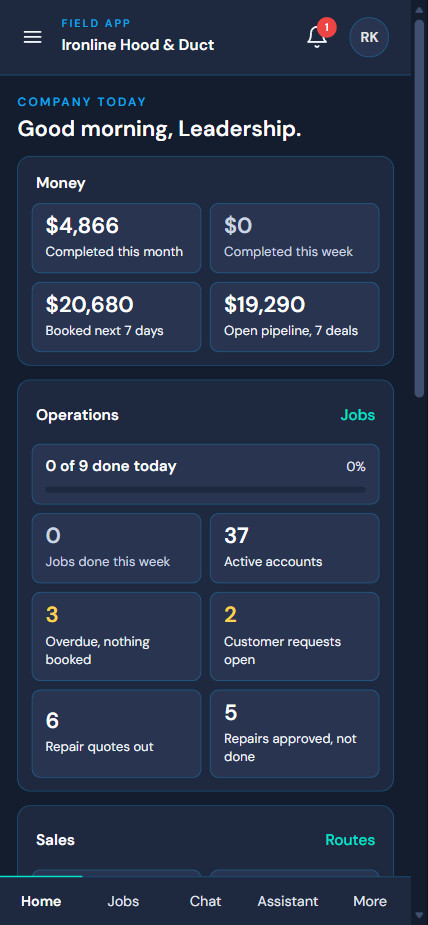
- Jobs today, open deficiencies, money outstanding and revenue this month on one board.
- A Leadership view for owners and managers: appointments set today, customers added, the numbers that move the company.
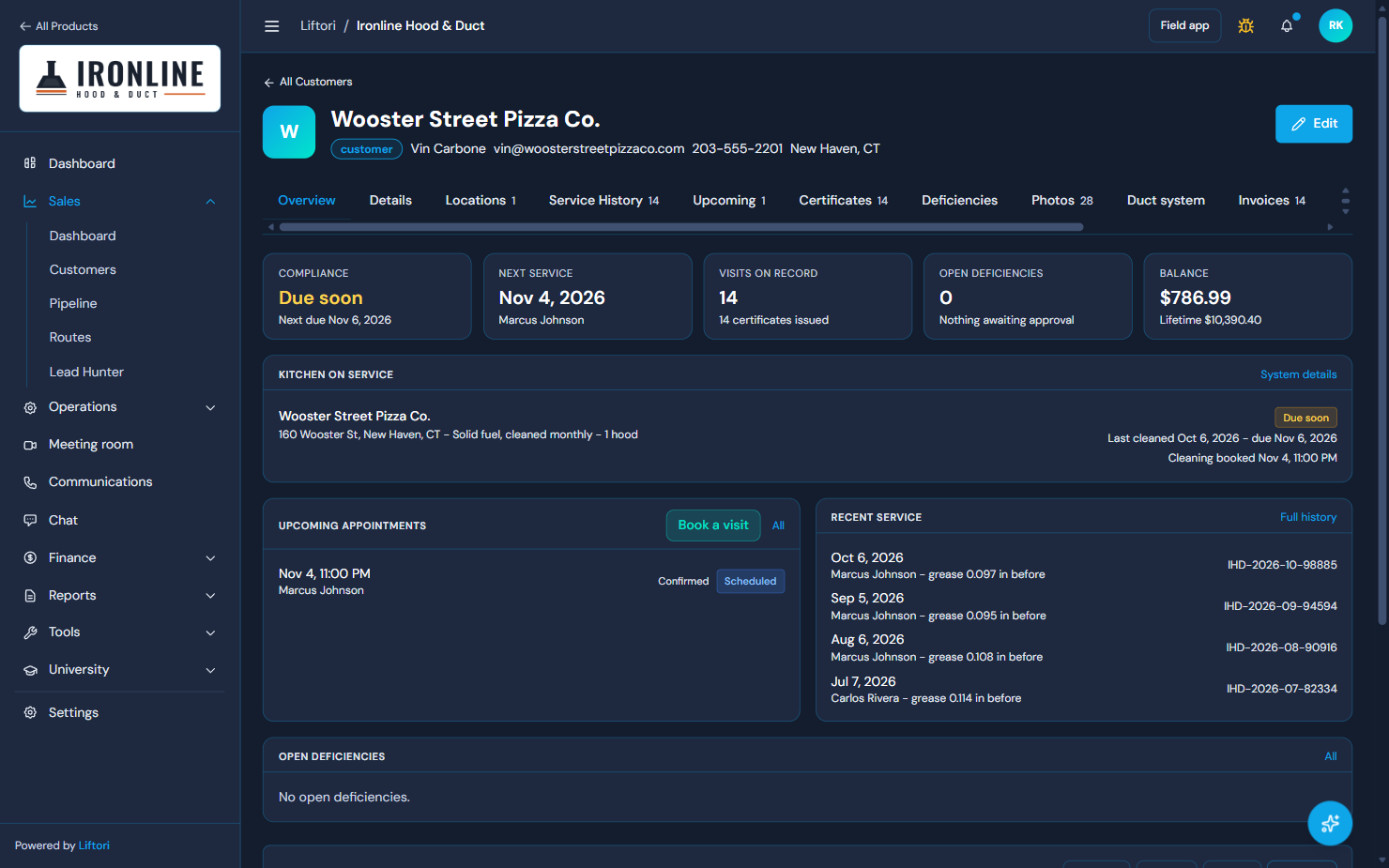 Status, next visit, balance
Grease readings, every visit
Status, next visit, balance
Grease readings, every visit
Day and night crews on one board.
- Crews by van and by name, with shift, day, night and day-plus-night views.
- Late starts and reschedule requests surface at the top, so nothing waits on someone noticing.
- A customer’s reschedule is approved by the office and stays with the same technician.
- Sales reps can ask the office to hold a slot; the office approves or turns it down.
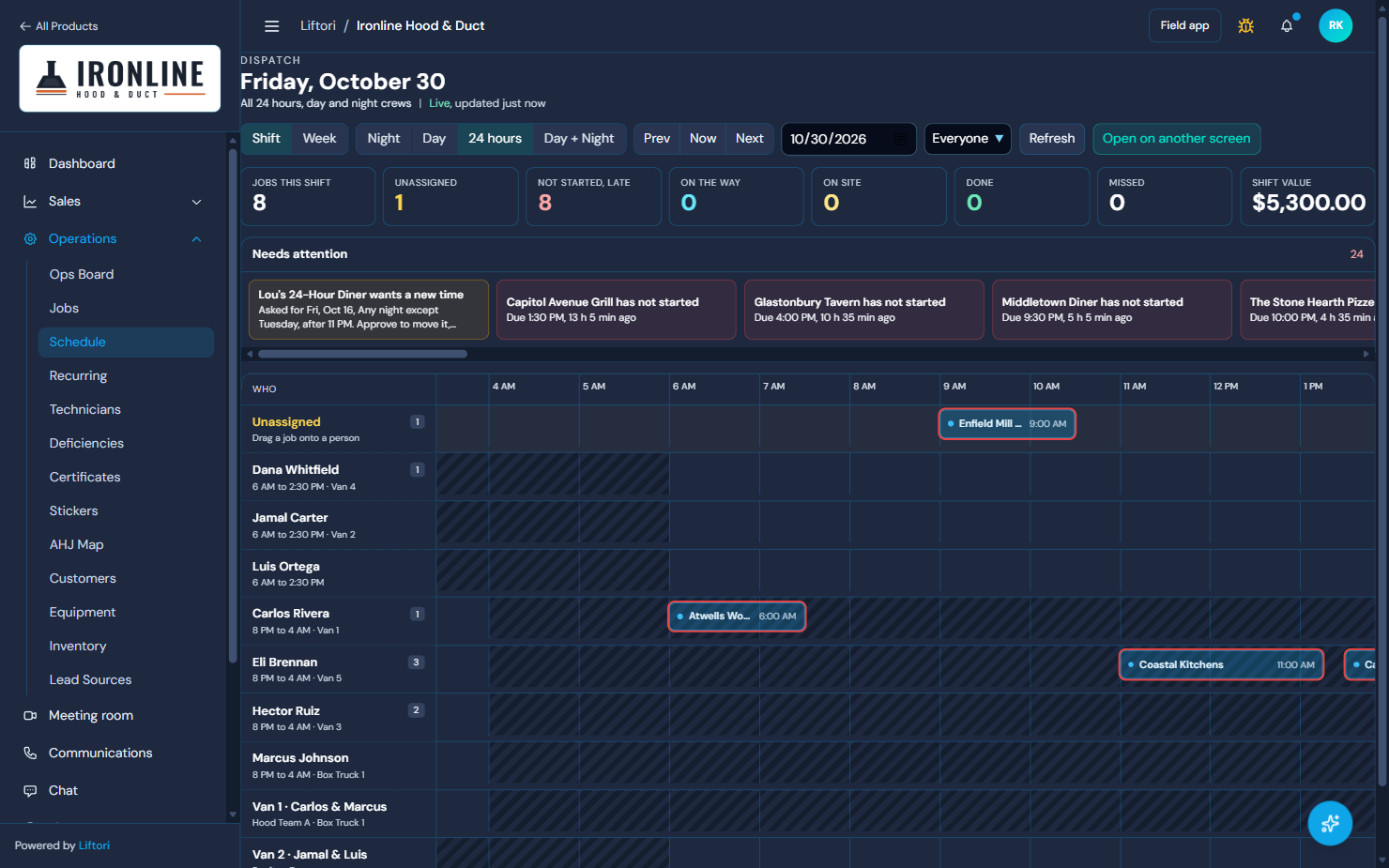 Needs attention
Crews by van
Needs attention
Crews by van
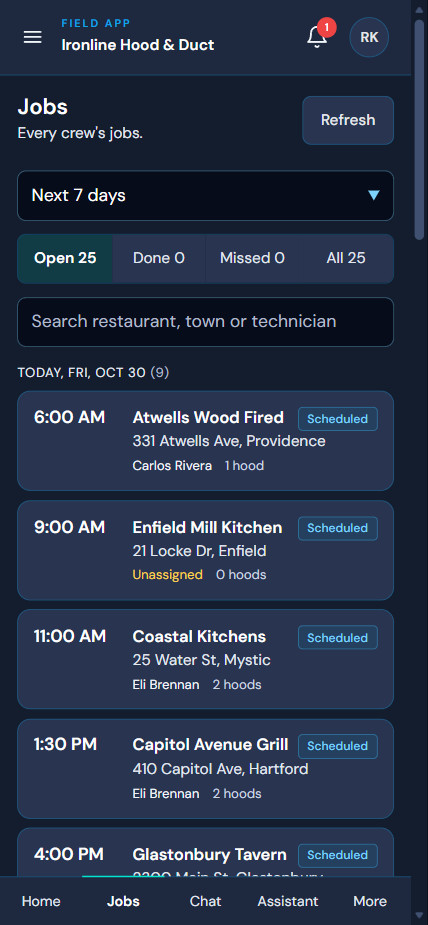
The paperwork happens on the job.
- Every crew’s jobs by day, with the site notes the sales rep and the last technician left behind.
- Your paper job packet, on the phone: work order, cleaning report, combustible dust sheet and the rest, in the same order your crews already use.
- Unlimited job photos and video: the required before-and-after shots first, then as many more photos and clips as the job takes, with swipe-through and markup.
- The certificate and QR sticker issue at close-out. Cash-on-delivery jobs hold them until paid.
- Owners and managers get the company on the phone too: money, operations and sales.
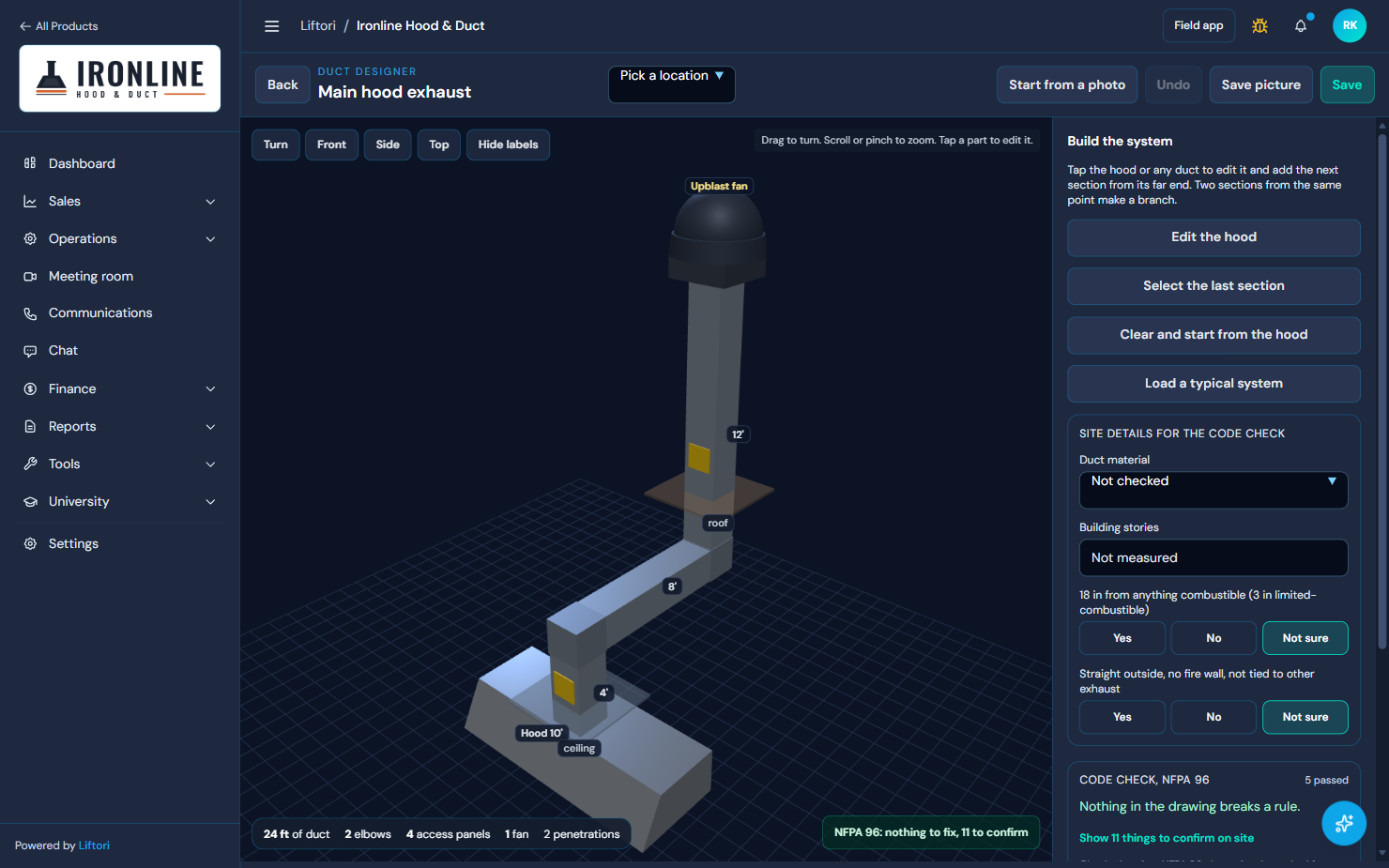
Draw the exhaust system in 3D, checked against NFPA 96.
- Build it from the hood up on site, or start from a photo.
- Duct length, elbows, access panels, penetrations and the fan are counted as you draw.
- The code check tells you what breaks a rule and lists what to confirm on site.
- Save the picture to the customer’s record and put it in the proposal.
 NFPA 96 code check
Counted as you draw
NFPA 96 code check
Counted as you draw
A certificate that proves the work, issued at close-out.
When the crew closes a completed job, Hoods issues the NFPA 96 certificate and the QR sticker together. No one in the office types it up.
What is on every certificate
- Issued date, next due date and the cleaning frequency for that kitchen
- The restaurant, the technician and the supervisor who did the work
- Grease depth before and after, measured against the 0.125 inch line, flagged if it was over
- The required before-and-after photos of the canopy, the duct, the fan and the plenum on page one. A missing shot prints as “not taken”, never hidden.
- Then the before-and-afters you pick, on added photo pages, each one labelled and time-stamped
- Areas that could not be reached, written down
- The on-site manager’s sign-off and date
- A QR code that opens the live record
What the QR sticker does
- Printable 4 by 2 inch labels with the restaurant, cleaned date, next due date and certificate number
- A punch tab on every label for anyone who would rather not scan
- Scan it with any phone camera, with no login and no app: status, last cleaned, next due, grease readings, photos and the certificate to download
- Status reads plainly: current, expiring soon, expired, or record incomplete. A missing record never shows as green.
How the office stays ahead
- Every certificate is tracked as current, expiring in 30 days, expired or replaced by a newer one
- Stickers on a board by condition, with damaged or missing labels flagged for replacement
- Cash-on-delivery jobs hold the certificate, sticker and report until the invoice is paid, then release them on their own
Every problem the crew finds becomes a quote, not a note in a truck.
Blocked access panels, a worn fan belt, grease past the line. Hoods turns each one into priced work the restaurant can approve, and makes sure it gets done.
Found on the job
The technician logs it with a photo (marked up with pen, arrow or circle), a severity from critical to observation, the NFPA 96 section it relates to, and a repair scope and price.
Known before arrival
Issues reported by sales, the office or the restaurant show on the technician’s job. The crew confirms each one on site or marks it not found.
Approved by the customer
The quote appears in the restaurant’s portal with the photo, severity, code reference and price. They approve by typing their name, or decline with a reason.
Done and billed
Approved repairs are scheduled on the next visit and billed with it. Declined ones stay on file as a record that the customer was told.
The office sees every deficiency on one board, from found to quoted, approved, repaired, declined or expired, with quotes older than two weeks flagged for a follow-up.
Take every photo the job needs. A hundred is normal.
A big kitchen can mean 70, 80, 100 photos, and some things only a video shows. Hoods keeps every photo and clip on the job, sorted before and after and by the part of the system, and you choose which photos go on the certificate.
On the phone
- The required NFPA 96 before-and-after shots come first, as a guided checklist, so the required set is never missed
- Then as many more as the job takes, up to 400: shoot them one after another, or add a batch from the camera roll
- Tag each one before or after, and the part it shows: canopy, filters, duct, fan, plenum, access panel or roof
- No signal in a basement kitchen? Photos wait safely on the phone and send when there is a bar, or only on Wi-Fi if you set it that way
- Every photo is sized down on the phone before it sends, so a hundred of them does not eat a crew’s data plan
- Video too: record a walk-around, the fan running or the before and after, up to 20 clips a job, tagged before, during or after
On the record
- Pick the photos for the certificate: the required shots always print, and the before-and-afters you choose follow on added photo pages, up to 48, labelled and time-stamped
- The office can add photos and video from a desktop and change the picks after the job, then reprint the certificate
- Clips play right on the job record, beside the photos, and you choose which ones the customer sees in their portal
- Swipe full screen through this visit, or through every photo ever taken at that location, visit by visit
- Mark up right on the picture with pen, circle or arrow; a marked photo can start a deficiency on the spot
- The customer sees the visit’s photos in their portal, so the work speaks for itself
Your paper packet, on the phone
- Work order, cleaning report, the “Did you remember?” checklist and the combustible dust safety sheet, in the order your crews already use
- Tool check-in and check-out for secure facilities
- Reports pre-fill from the last visit and the site record, and times stamp themselves
- The job will not close without the required sheets, the manager’s name and the grease readings
- Customer and employee signatures on the phone; “running behind” and “cannot make it” alerts go straight to the office
Your customers and your fire marshals see the record too.
Both are free to them and need no password. They are what turns a cleaning company into the one restaurants and inspectors ask for by name.
One link to everything about their hoods, in your company’s name.
- Where they stand: current, due soon, overdue, or not yet scheduled, with the last cleaned date
- Upcoming visits with the crew’s name and a button to confirm the time, a live “about 12 minutes out” when the crew is on the way, and a card to meet their technician
- Reschedule and cancel requests, held until your office confirms, with a notice window you set
- Service requests for an extra cleaning, a repair or a walkthrough, each with its status and your reply
- A message thread with your office, with read receipts
- Every past visit: grease before and after, areas not reached, the signed cleaning report, every photo by before, after and issues, and the videos you chose to share
- Certificates to download for their insurer, and deficiency quotes to approve or decline
- Proposals and service agreements to sign online
- Invoices to view, print or save, with payments and balance
- One link for every location of a chain, with a switch between sites
- A button to share their record with their fire department, and to stop sharing
The record an inspector asks for, already done.
- Scan any sticker at the hood: the certificate, grease readings, photos and status open on their phone, no account needed
- A standing roster of every restaurant in their area whose owner chose to share, across every contractor on Liftori Hoods
- Current, expiring, out of compliance or no certificate, with the reason and whether a cleaning is already booked
- Each site’s certificate, service history with before and after photos, and open deficiencies
- Their own inspections logged against the site: pass, follow-up or fail, with a six-point checklist and notes
- Messages with the contractor’s office, and notices to a restaurant about a location
- Download the roster as a spreadsheet
- Sign-in by a one-time link to a verified work email. Free for every department.
Nothing about a restaurant is public. A sticker opens one certificate for the person standing at that hood, and a fire department sees a location only if the owner chose to share it.
NFPA 96 and ANSI/IKECA C10, in the system, not in a binder.
Fire codes across the country adopt NFPA 96 for commercial kitchen exhaust. Hoods carries its cleaning frequencies for every account: monthly for solid fuel, quarterly for high volume, twice a year for moderate, once a year for low. The next visit is set from the last one, and an account is only “compliant” when the next date is ahead and a certificate is in date.
Certificates and stickers cite NFPA 96 and ANSI/IKECA C10, grease is measured against the 0.125 inch line, and areas not reached are written down. When a fire marshal, an insurer or a lawyer asks what was done, there is a dated record with photos behind it.
We shape it to your company. Your crews do not change how they work.
Every company gets the whole product, then we tailor it during onboarding: your forms, your job types and add-ons, your work order numbers, your price book, your crews and roles. Your paperwork comes into the system the way it is, so day one feels familiar.
It keeps getting better after that. Updates we ship for every Hoods company arrive at no charge, and your own changes are ordered from inside the product.
Run your other services in the same system.
Most hood companies do more than hoods. The rest of your work runs in Hoods too, on the same crews, the same schedule and the same customer records, with each line of work keeping its own forms and reports.
Other services, one product
- Dryer vent, air duct and power washing come ready, each with its own job type, cleaning report and before-and-after photo set
- Add other trades as service lines: HVAC, plumbing, concrete, facilities maintenance, roofing, or whatever else you sell
- Each line closes with its own service report: work performed, parts and materials, follow-up needed, before and after photos
- Only hood jobs carry the NFPA 96 certificate and sticker; every other job closes with its own report
- One customer can buy several services and sees all of them in one portal
More than one company, one team
- Own more than one company? Run them side by side, with staff and crews that work for both
- Each company keeps its own customers, prices, invoices and books, so the numbers never mix business to business
- Each company keeps its own name, logo and portal for its customers
- Owners see each company on its own and all of them together
Extra service lines and extra companies are add-ons to your plan. We set them up with you during onboarding, or any time after.
Bring everything with you. We do the moving.
Your customers, locations, service history and pricing are already in another system, a spreadsheet or both. You do not retype any of it. We connect to what you run today and pipe it into Hoods, or take a spreadsheet export if that is easier for you, and bring your past records in with it, so day one already has your history.
Connect or export
Whichever is easier for you: we connect Hoods to your current system through its API, or you hand us a CSV or Excel export. The spreadsheets your office keeps on the side come too.
Pipe it in
Customers, locations, contacts, hoods and duct details, pricing and last service dates come over, mapped to the right fields, current records and older history alike.
Clean it up
Every incoming account is checked by name and location against what is already in Hoods, so the same restaurant entered four times arrives once. Your office reviews the matches before anything is written.
Switch when ready
The pipe keeps running while your team learns Hoods, so nothing entered in the old system is lost. When you are ready, you switch over and keep the history.
Moving your data is part of onboarding, not an extra project. Our flagship customer came over from another hood cleaning system the same way. QuickBooks stays connected for the books.
One system from the first call to the next visit.
Sales and estimating
- Leads, pipeline and assigned sales routes for reps in the field
- A sales manager dashboard to see how every rep is doing
- A site visit form that tells the crew what to expect before they arrive
- Proposals built from your price book, signed online; the agreement files itself
- The 3D Duct Designer for drawing the system into the proposal
- Lead Hunter to find restaurants in your area
Operations
- NFPA 96 frequencies on every account; the next visit is set from the last one
- Dispatch for day and night crews, recurring schedules and slot holds
- Reschedule requests approved by the office, kept with the same technician
- An operations board with jobs by status and the deficiency pipeline
- Every account’s compliance in one view
Field app and photos
- Jobs by day with site notes, lockbox codes and what the last crew found
- The full job packet on the phone, in your order
- Unlimited job photos and video clips, swipe-through and markup
- Signatures, close-out, certificate and sticker on the spot
- Owners and managers get the company’s numbers on the phone too
Equipment and vehicles
- One list of trucks, vans and gear, who has what and where
- Gear travels with its vehicle; sign the vehicle out and the kit goes with it
- Service due by the meter, flagged before it is late
- Inventory for supplies and chemicals
- Technicians share their location from the field app, and the office sees them on a live map
Money
- Invoices from the finished job, payments and balances, by customer and by location
- Approved repairs billed with the next visit
- Cash-on-delivery jobs hold the certificate until paid
- Expenses and a finance overview
- QuickBooks sync
Your team and your customers
- Team chat and a video meeting room built in
- Customer communications in one place, tied to the account
- Roles and permissions for owners, office, sales, supervisors and technicians
- An AI assistant that knows your company’s records
Training
- Liftori University inside the product: courses by role for every hub
- Classroom mode to train a room on the TV
- New courses added as the product grows
- Onboarding sessions with our team, in waves by role
Chains and multi-location
- One account, every location, with chain groups
- Each location keeps its own schedule, frequency, certificates and stickers
- One portal link for the owner of every location
Coming next
- Online card payments for your customers, straight from the invoice
- Truck GPS integration with the tracking you already use
- A voice assistant you can talk to in the product
Built for this room.
Shown to it first.
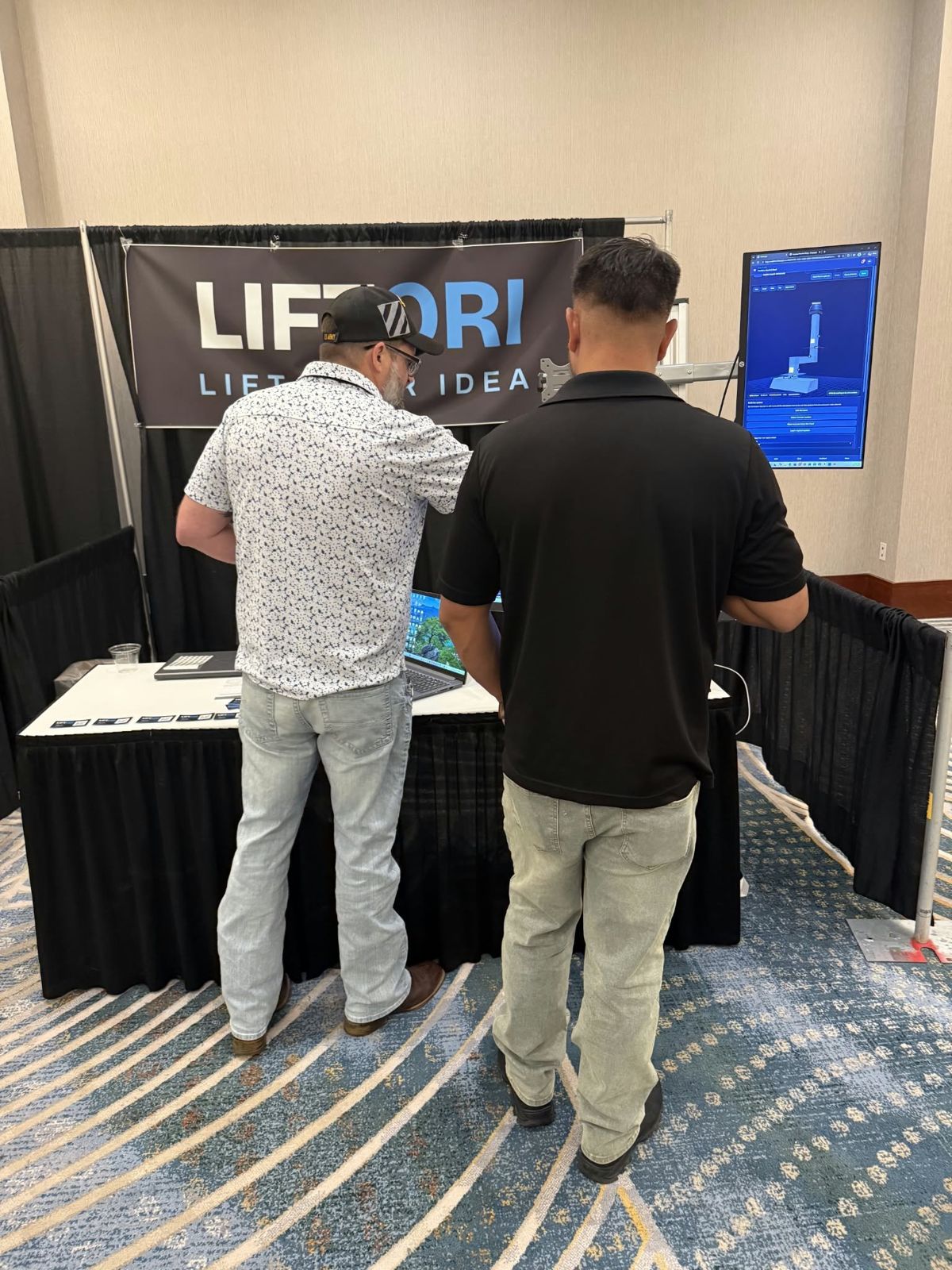
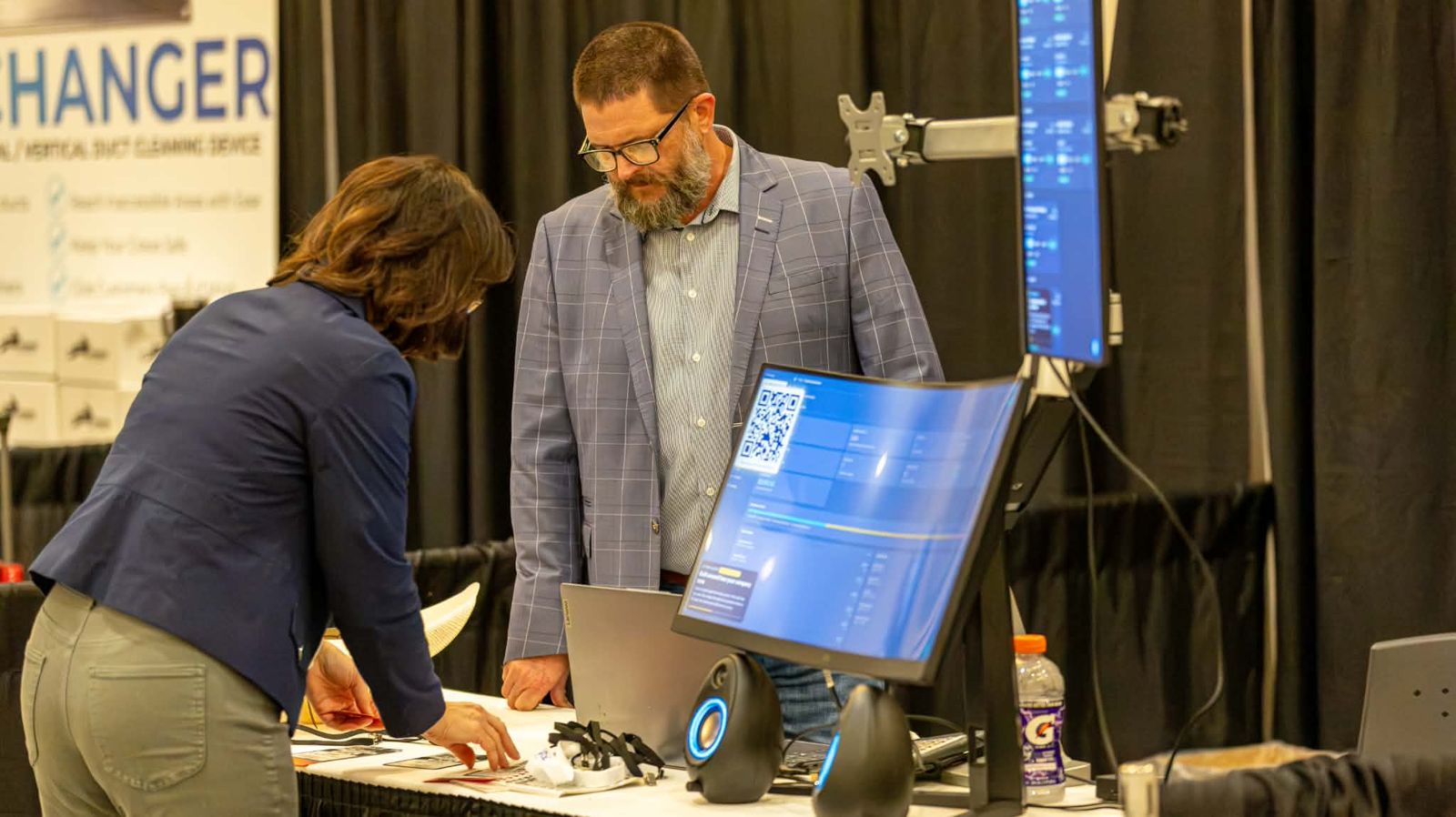
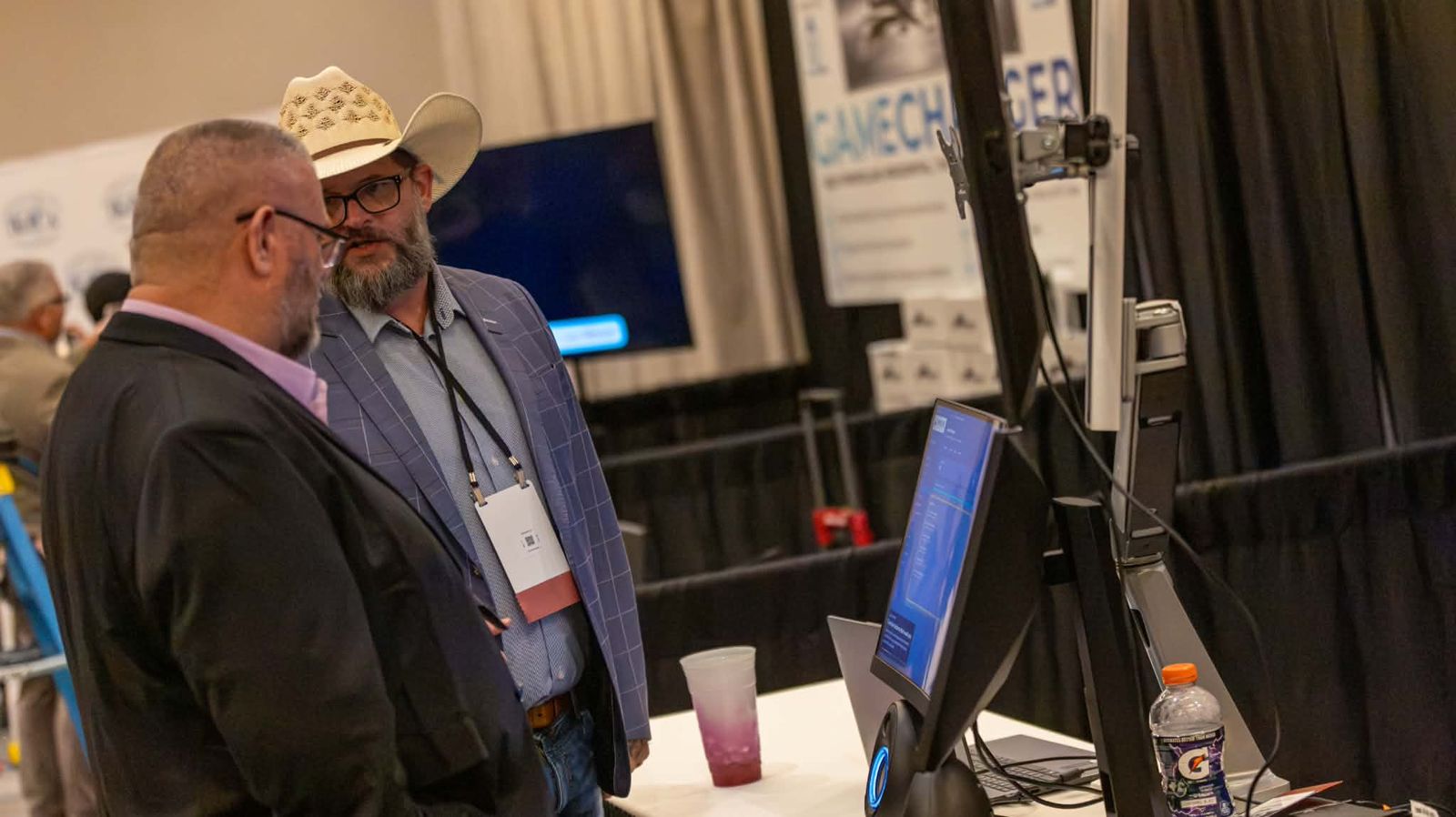
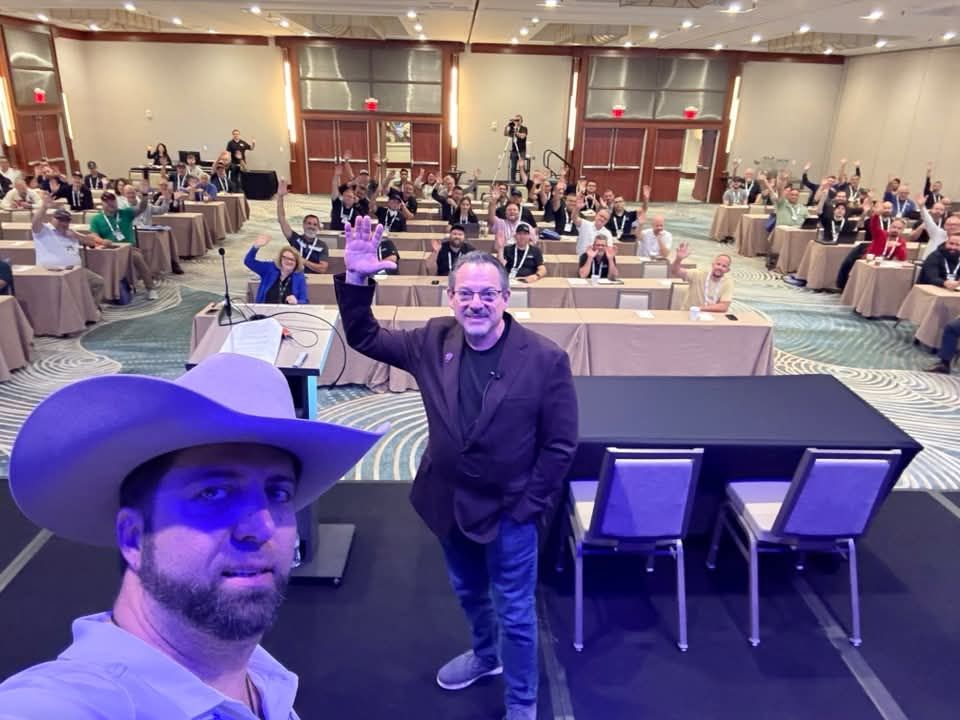
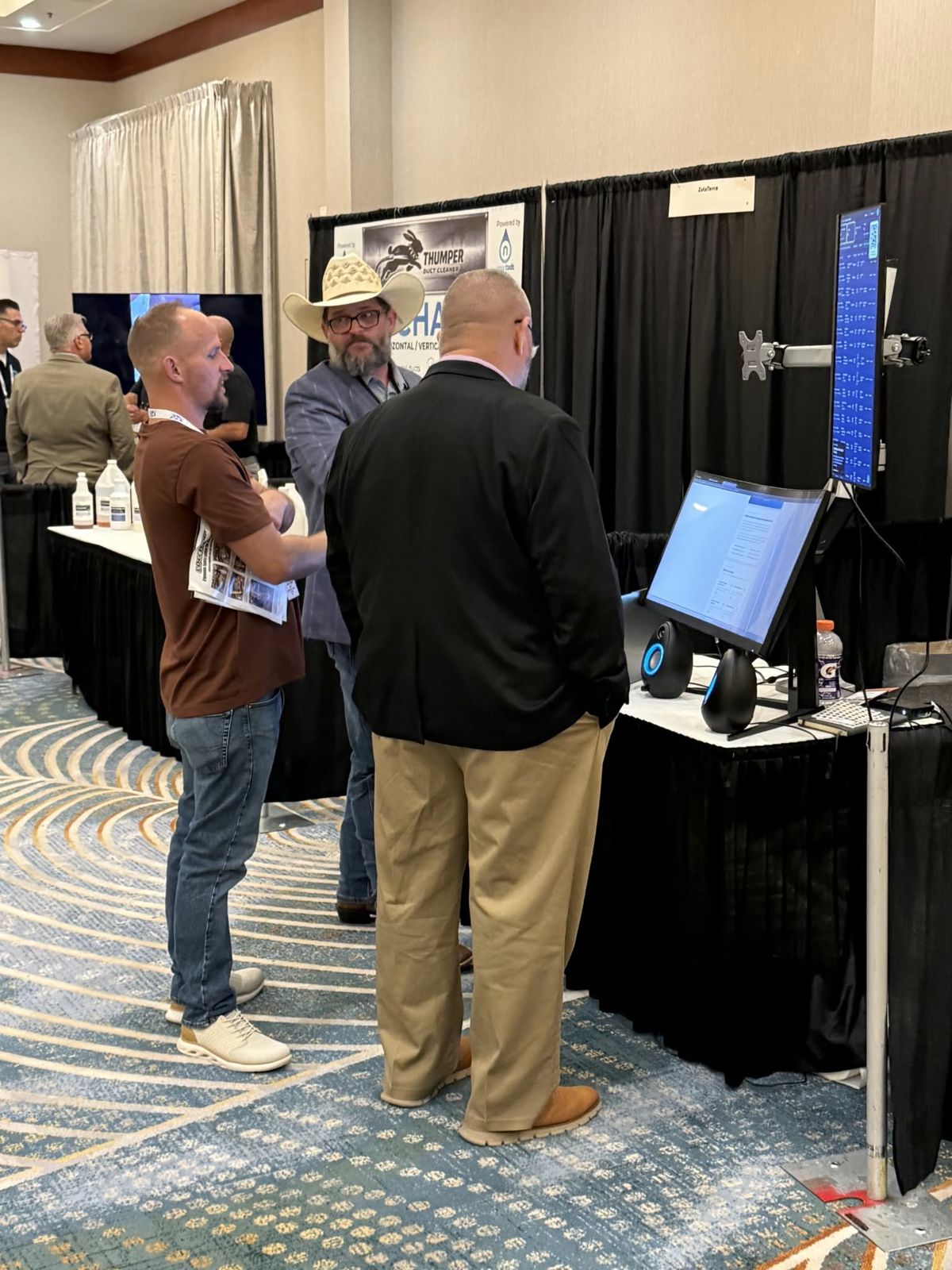
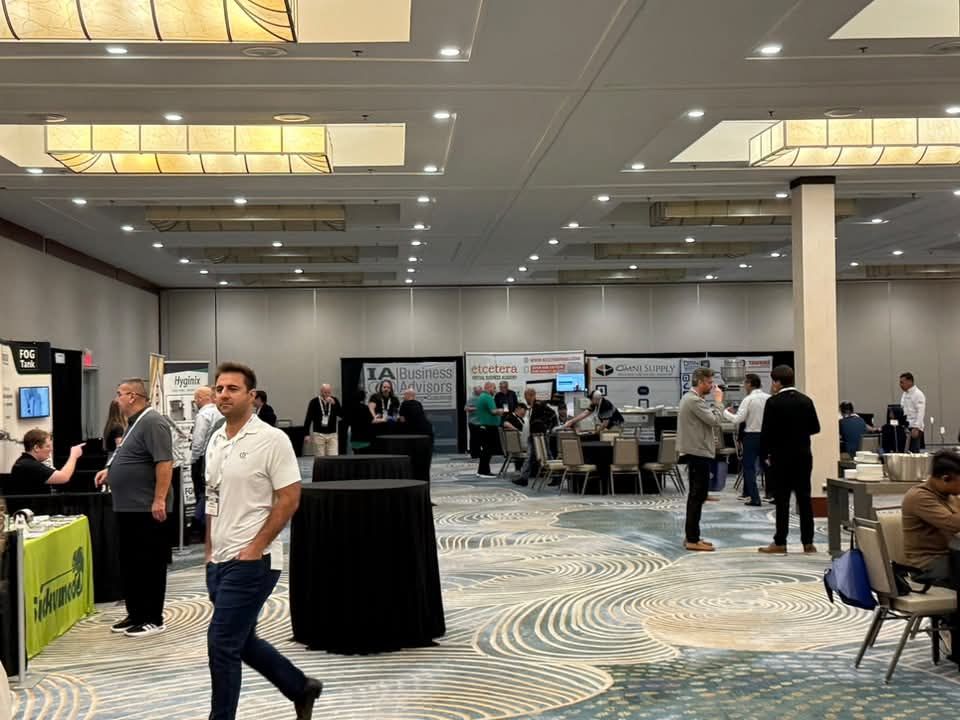
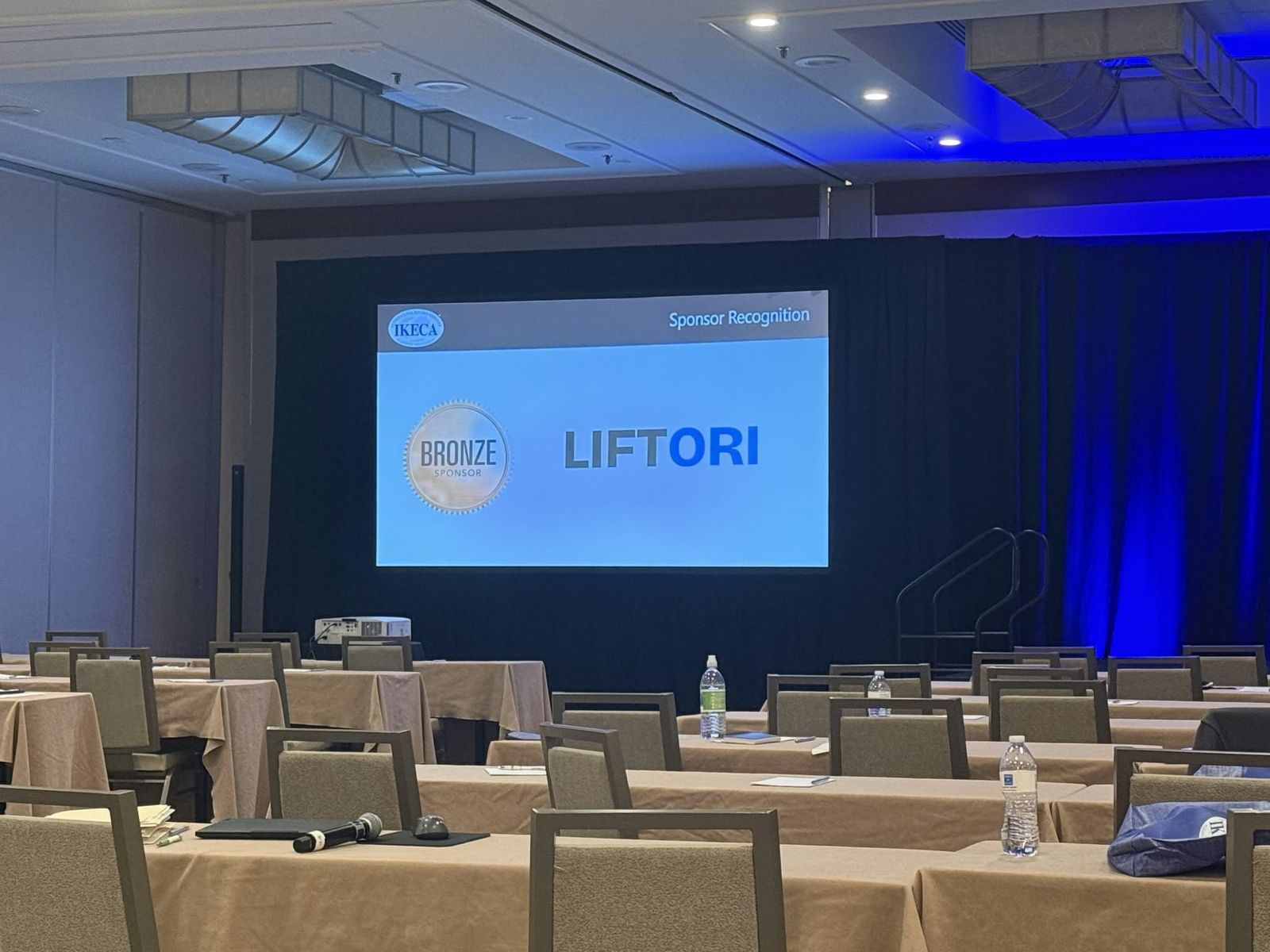
Liftori Hoods launched at the IKECA Fall Technical Seminar — the people who clean, inspect and certify kitchen exhaust systems for a living. We ran the real product at the booth: the Command Center on the curved screen, the technician field app and the Duct Designer on the tall one.
Run the whole company on it.
Technicians, reps, the office and leadership on the same records. We bring your paperwork into the system, so your crews keep working the way they do now.